Reading arXiv Papers on Kindle
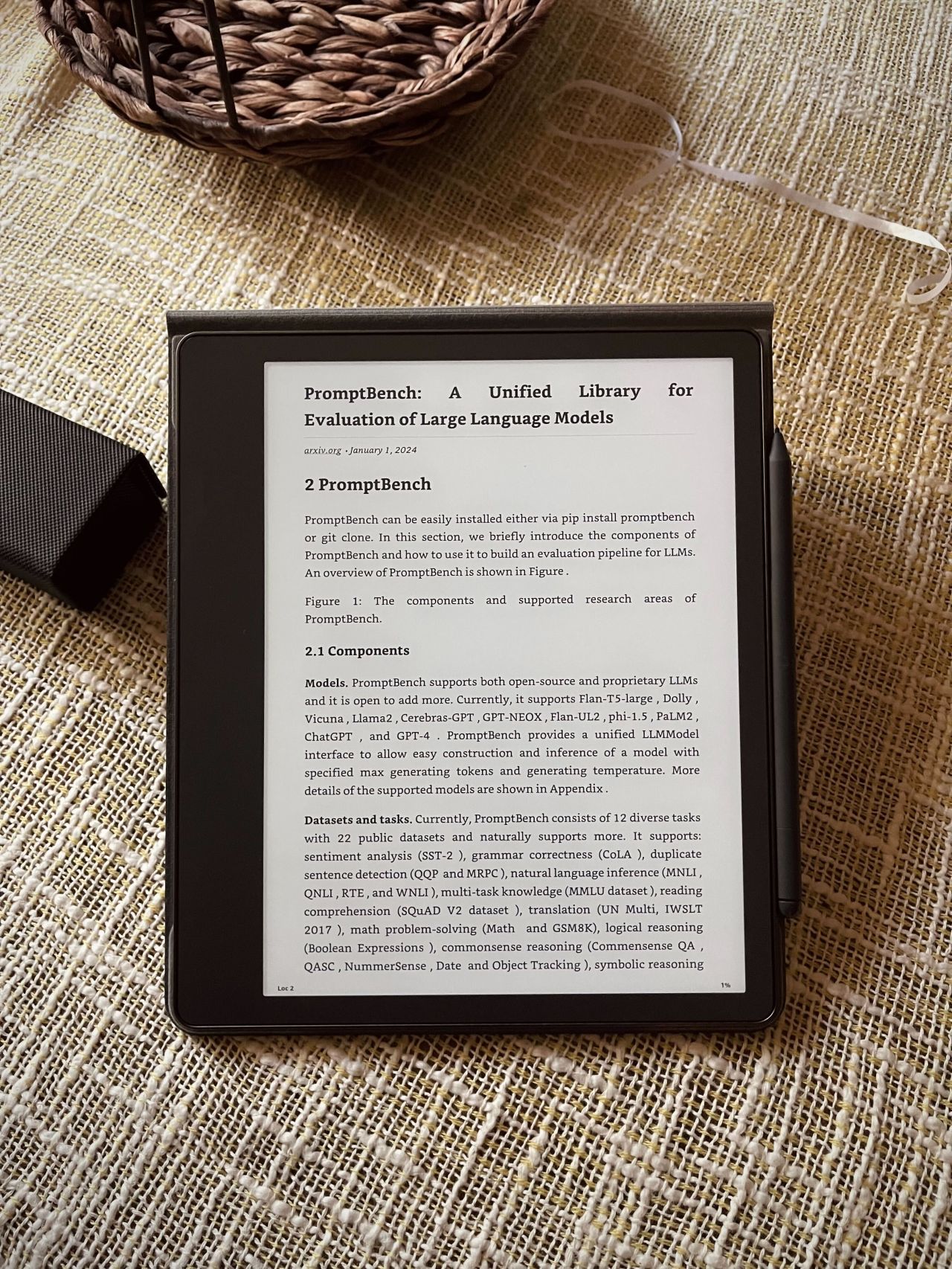
Recently, arXiv.org added an experimental feature to render papers in HTML format. I did not think much of it until I realized you could now send these to Kindle like a standard webpage in native ebook format with features such as adjustable fonts, highlighting, and note-taking.
I love e-Ink for reading over laptops or iPad but PDFs on e-Ink have always been sluggish with rendering and zooming, even on larger screen devices like the Scribe. Not anymore!
A quick 3-step process if you want to try this:
- Install the “Send to Kindle” browser plugin
- Open the paper in HTML format
- Preview and send it using the plugin
Happy reading!
Note: The feature is still experimental, and rendering TeX/LaTeX into HTML is technically challenging. The quality may vary with random errors.